
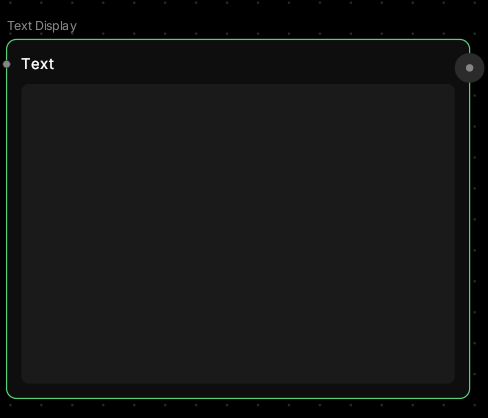
Text Display
Your words, ready to flow.This node lets you type or paste text directly onto the canvas. Use it as input for generators, as prompts for AI models, or simply as notes to organize your workflow.
🪄 When to Use It
Use Text Display when you need to add text content to your workflow. It works great for:- Image prompts — feed text into Text to Image nodes
- Dialogue scripts — prepare text for Voice Generator
- Instructions — provide context for Generate Text nodes
- Workflow notes — label and organize your canvas
Cost: Free (no processing)
🎚️ How It Works
Simply click the node and type your text. The text output can then be connected to any node that accepts text input. 💡 Tip: You can paste long paragraphs, prompts, or even structured data — it all flows through to the next node.🎨 What to Expect
The Text Display node doesn’t process anything — it’s a container.Think of it like a notecard on your canvas that can be wired to other nodes. Perfect for:
- Writing detailed image prompts before generating
- Preparing dialogue or narration text
- Keeping track of ideas and variations
- Organizing complex workflows with labels
💬 Quick Tips
- Use multiple Text Display nodes to test different prompt variations
- Great for keeping frequently-used prompts on your canvas
- Connect one Text Display node to multiple generators to test the same prompt across different models
- Edit text anytime — changes flow through connected nodes immediately