
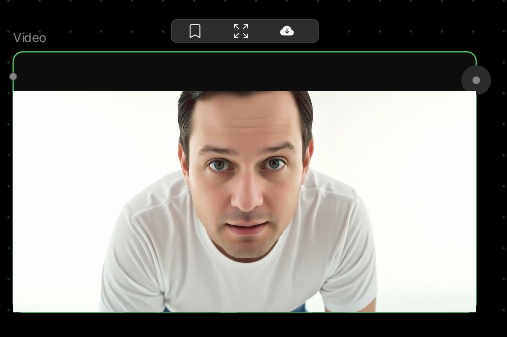
Video Input
Start with your own footage.This node lets you upload video files from your device and use them in your workflow — whether you’re smoothing motion, changing dialogue, or applying enhancements.
🪄 When to Use It
Use Video Input when you want to work with existing video footage. It works great for:- Lip-sync replacement — change dialogue in existing videos
- Frame interpolation — smooth out choppy footage
- Video enhancement — apply AI processing to your clips
- Creative editing — transform existing footage with AI tools
Cost: Free (no processing)
🎚️ How It Works
Two ways to add videos:- Click to upload — Select the node and browse for a video file
- Drag and drop — Drag any video file directly onto the canvas, and a Video Input node is automatically created
🎨 What to Expect
The Video Input node stores your video and makes it available to other nodes. Common uses:- Upload talking video → Lip Sync → replace dialogue with new audio
- Upload slow-motion source → Frame Interpolation → create buttery smooth 60fps
- Upload raw footage → Video enhancement nodes → improve quality
- Upload AI-generated video → Frame Interpolation → smooth out artifacts
💬 Quick Tips
- Drag and drop videos directly onto the canvas for instant Video Input nodes
- Shorter clips process faster in connected nodes
- Higher quality source videos produce better results
- Supported formats: MP4, MOV, WebM, AVI
- For best results, use clean footage with consistent lighting and minimal compression